Customization
What you can shape today — nothing here requires a support ticket.
The verification session is yours to compose
Valyd’s verification page runs exactly the checks your workflow defines. You decide which steps the user goes through, in what order, and how retries behave — compose a workflow in the Developer Portal or via the API, and the page auto-adapts its steps to it. License-only, full KYC + license, liveness-gated flows: same page, your composition.
Your name on the consent screen
The consent screen shows your app’s registered name and icon — set them once when you create the app in the Developer Portal . The name is not something a request can pass in, so it can’t be spoofed: an app registered as Acme always appears as Acme.
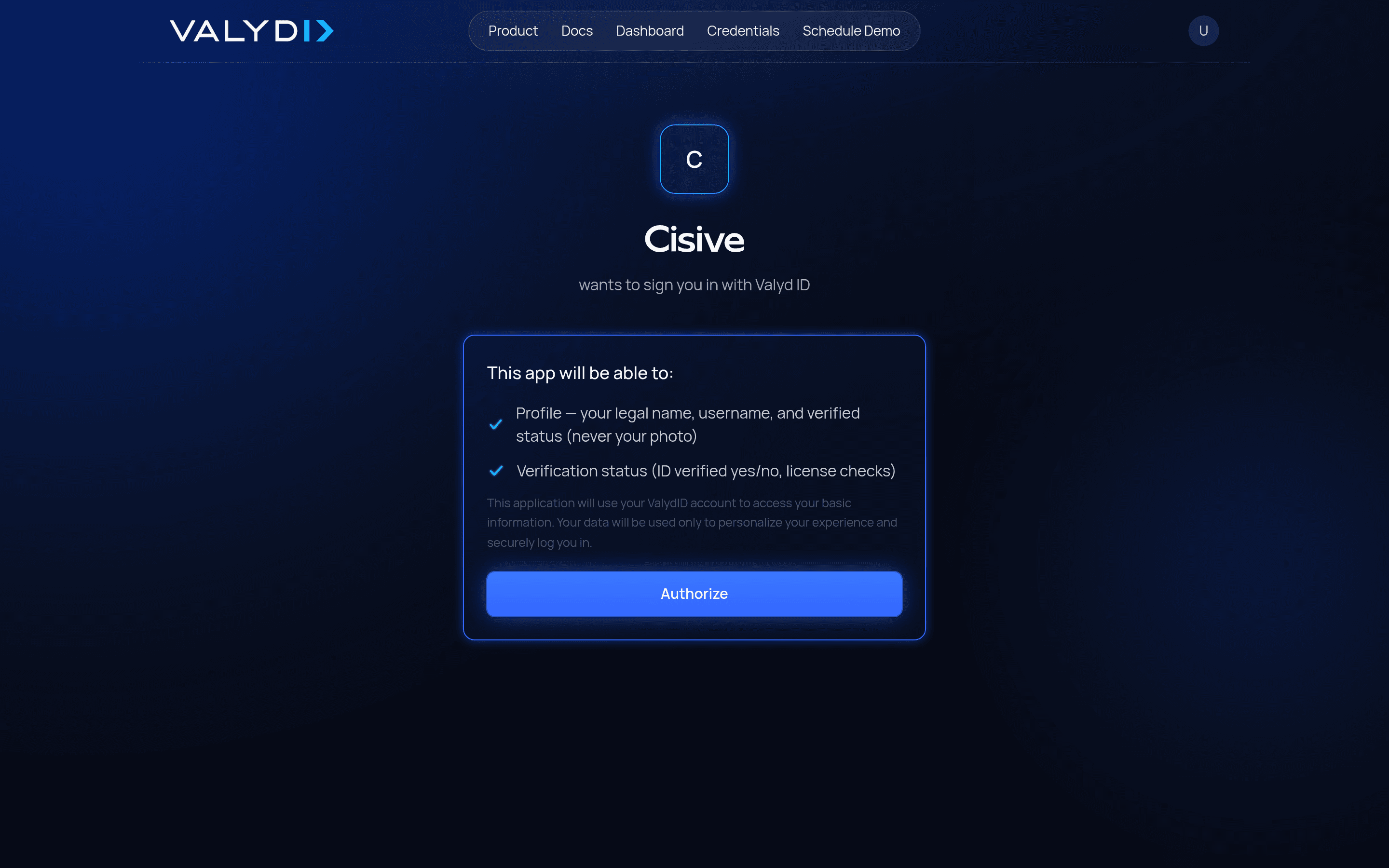
To change how your app appears, edit its name (and upload an icon) in the portal — not on the authorize URL.
The Sign-in button
The drop-in button accepts:
| Attribute | Values | Default |
|---|---|---|
data-theme | dark · light | dark |
data-text | any label | Sign in with Valyd |
Or skip it entirely and render your own button — it only needs to link to the authorize URL.
Coming soon: full verification-page branding
Full layout, design, and branding customization of Valyd’s verification page is on the roadmap — the goal is a capture experience that looks and feels like your product end to end:
- Custom colors, logo, and typography on the verification pages
- Your own domain for the verification page
- Branded emails sent under your name
We’re shaping this with early integrators — if verification-page branding matters for your rollout, tell us what you need: javi@valyd.id.