Reusable Identity
🔑 Auth: the user’s Bearer
valyd_access_token(from Connect with Valyd) · 💾 Passed checks save to the user’s Valyd ID · 🔒 PII stays with Valyd
The user connected with Valyd — their access token now unlocks everything in this section. The habit that makes Valyd cheap and fast: read first, verify only what’s missing.
| Page | What it does |
|---|---|
| Read verified data | Profile, licenses, proofs — free, instant, the KYC-reuse story |
| KYC / ID verification | Government-ID identity → id_verified: true |
| Checks reference | Face match, liveness, license, age, location — every check a workflow can run |
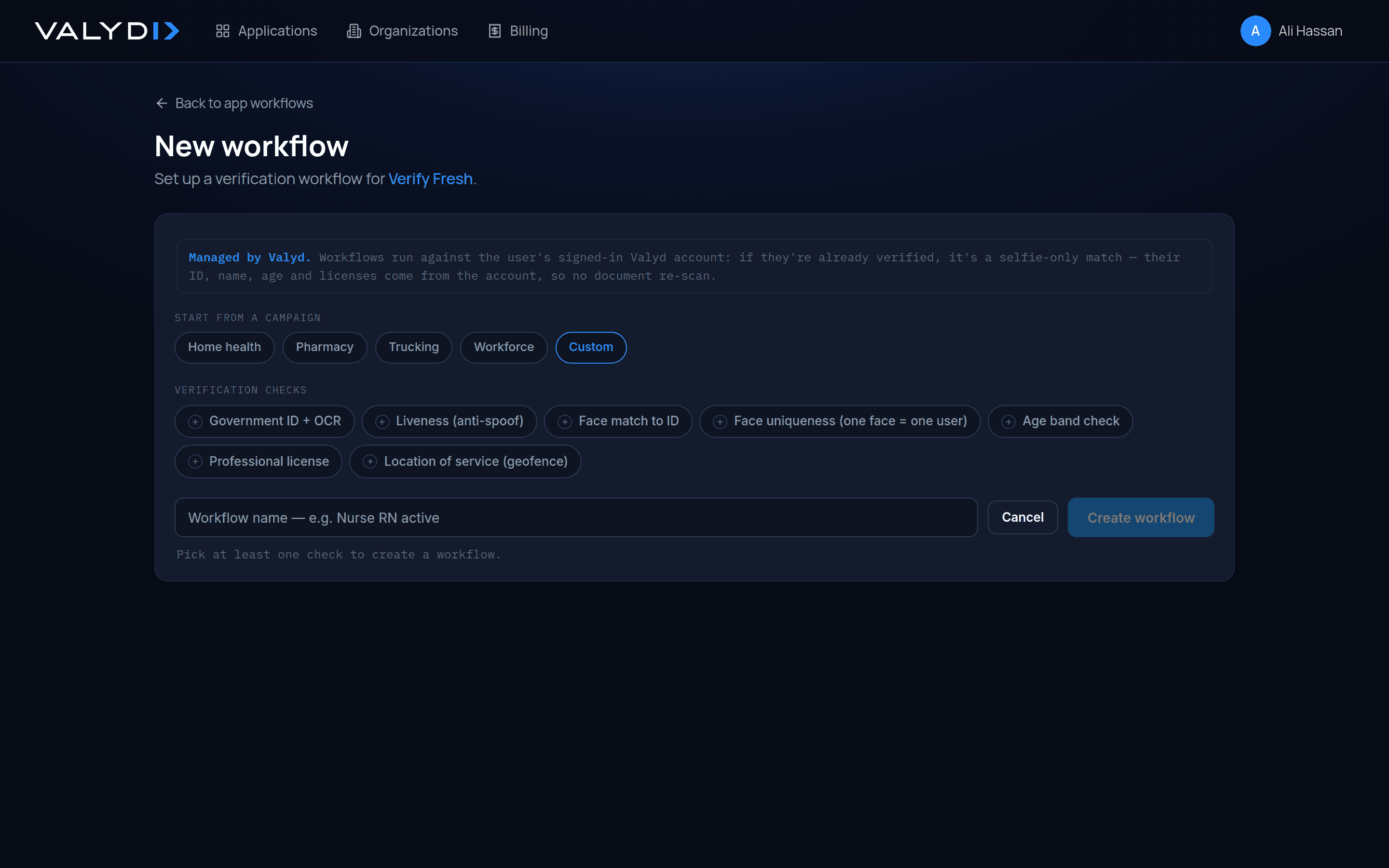
| Workflows | Configure the checks in the portal, run them all on one page |
This is Reusable Verification: you create a verification session with
valydAccessToken attached, the user completes the configured workflow on Valyd’s
verification page, the passed proofs save to their Valyd ID, and next time
the read answers yes. ID/KYC, face match, age, and professional
license all run this way — as workflow checks on the connected user’s session, never as direct
public API calls. (Need only Liveness or Uniqueness, with no login and nothing saved? That’s the
Unique Human API.)
Run a workflow
Configure the checks in the portal, we run them all on one page — and send you proofs, public data, and what passed, on your webhook:
const session = await verify.sessions.create({
  workflowId,                      // the checks you picked
  valydAccessToken: accessToken,   // ties the run to the user
  redirectUrl: "https://yourapp.com/verified",
});
// → send the user to session.url
// → webhook: what passed + proofs + public data — the account updates itself
Full walkthrough with every portal step: Run a verification →
Raw identity data is separate
Everything above returns proofs and public data — never documents or DOB. If you genuinely need a raw attribute, the user approves it explicitly: consent flow.
Working as an organization?
Apps, workflows, and billing can live in a shared Organization — and we onboard the workforce for you: add members over the SDK, each is notified with a face-activation link, and signs into your apps by face from then on. Fetch member details, assign roles, deactivate/reactivate — all documented there. Member account recovery is coming soon.